
AI Coloring Page Generator
Describe a scene and this AI coloring page generator draws it as line art to print. Your first three images are free, no sign-up.
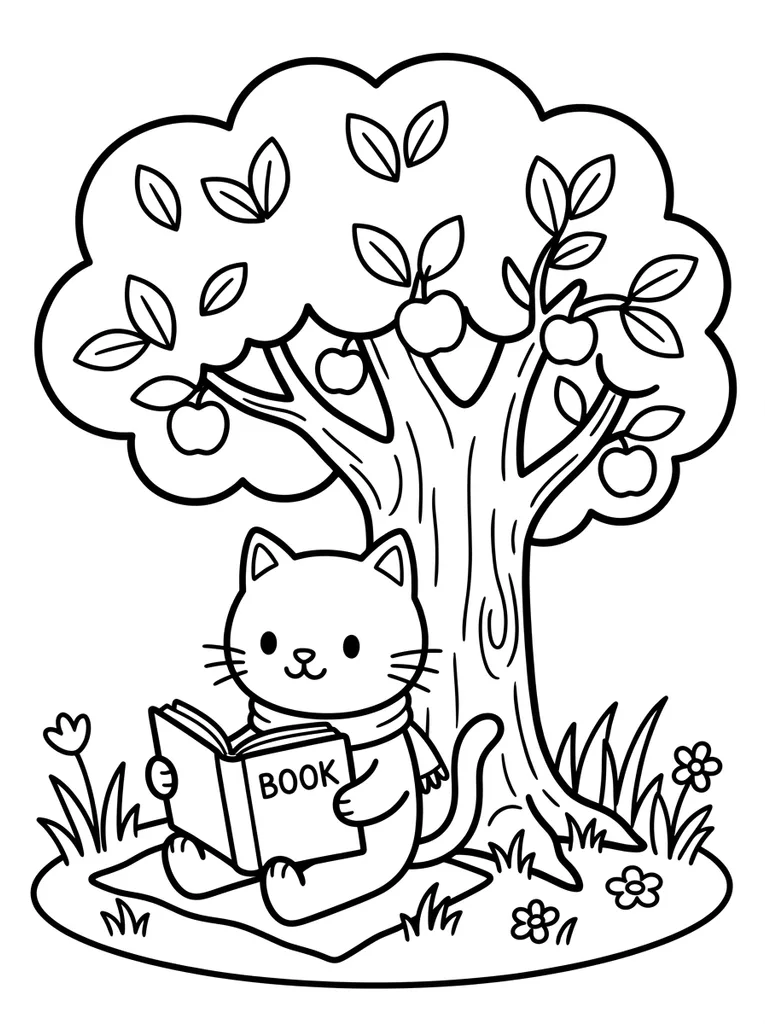
Example result. Pick your options to make yours.
Examples
An AI coloring page generator that starts from a sentence
You write the idea, the tool draws the outlines.
With this AI coloring page generator you type a short description such as a cat reading a book under a tree. The tool draws it as black-and-white line art with no shading and no gray fill, on a white background.
You then choose how it looks. Five styles run from thick, simple shapes for little hands to dense patterns for adults, and three difficulty levels set how many areas there are to color.
Each run gives one portrait page. Download it as a PNG or as a PDF for A4 or Letter paper, or press Color Online to fill it with color in your browser.
Made for
- Parents
- Teachers
- Adult colorists
- Party hosts
- Crafters
- Storytellers
How to use the AI coloring page generator
- 1
Describe the page
Write what should be in the picture, up to 200 characters. Name the subject and the setting, like a dragon asleep on a pile of books.
- 2
Pick a style and a difficulty
Choose Kids Simple, Adult Detailed, Mandala, Cartoon or Realistic, then Easy, Medium or Hard. Both are added to your description.
- 3
Generate and download
The page usually takes 15 to 90 seconds, sometimes longer. Check the lines against your idea, then download a PNG or a PDF and print it, or color it on screen with Color Online.
Why use this AI coloring page generator
Style and difficulty are separate
Each AI coloring page generator run mixes two choices: a Mandala can be Easy or Hard. Pick the look first, then how many areas to color.
Built to be colored
The request asks for closed outlines, no shading, no gray fill and a white background. In our test runs a kids dinosaur, an adult mandala and a busy farm scene all came back that way.
Busy scenes can leave gaps
Wide scenes, water and dense foliage sometimes leave open lines. Choose Easy, or name one clear subject, when you want every shape closed. An open line also lets the Color Online fill spill into the next area; undo it and close the gap with the brush.
A free start, then an honest stop
Your first three images are free with no sign-up. After that the tool says the free tries are used up; there is no paid plan to buy yet.
One image per run
You get a single 3:4 portrait page for each description. Save it as a PNG, or as a PDF on A4 (the default) or Letter paper with the page fitted inside a small margin.
What you can make with an AI coloring page generator
A page for your child's obsession
Describe the exact thing, a tractor with a birthday hat or a shy octopus, and print it before the afternoon is over.
Classroom handouts
Make a page for this week's topic, like the water cycle or a story scene. Easy keeps the AI coloring page generator output simple for young kids.
Quiet time for adults
Pair Adult Detailed or Mandala with Hard for a page with many small areas and a slow pace.
Party activities
Put the guest of honor's favorite animal in a scene, print a stack, and set out crayons.
Story illustrations
Turn one scene from a bedtime story into a page the child can color while you read.
Cards and craft projects
Cartoon outlines work for hand-colored cards, signs and gift tags.