
Turn Picture into Coloring Page
Turn picture into coloring page art in about a minute. Upload a photo, print black-and-white line art. three free images, no sign-up.
 Before
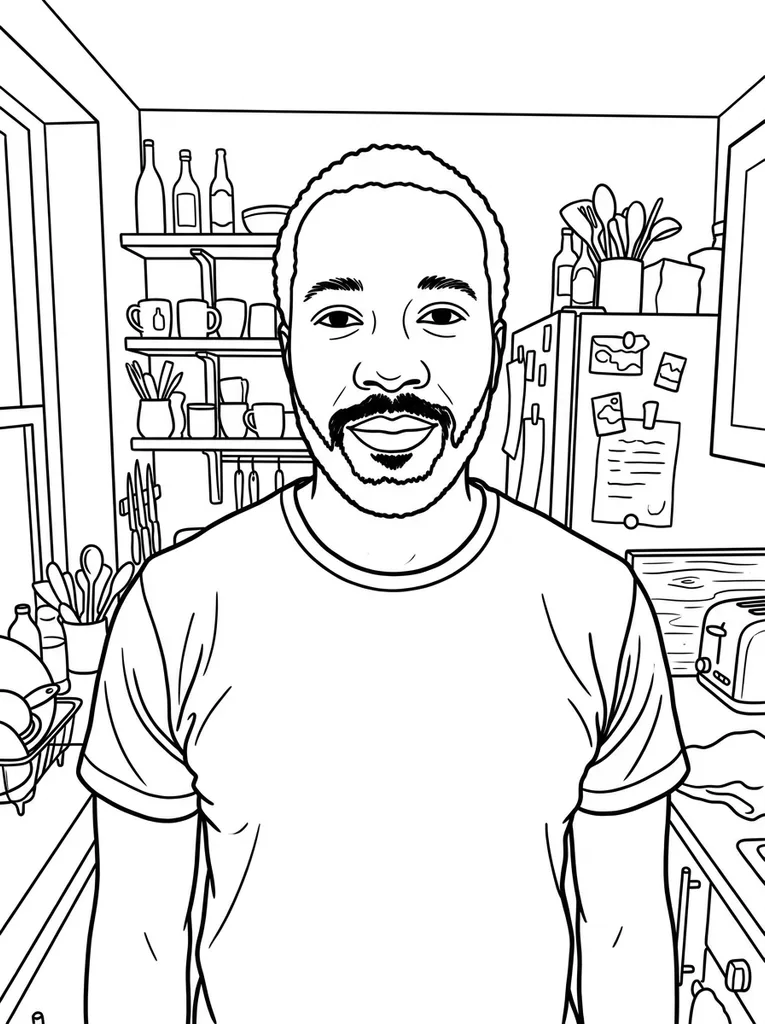 After
Example result. Upload your photo to make yours.
Examples
BeforeAfterPhoto to Printable Line Art, Ready to Color
One photo in, one clean coloring page out.
Use this tool to turn picture into coloring page art. Pick a photo of a person, a pet or an object. An AI redraws it as black outlines on a white page, with no shading and no gray fill.
You choose the line weight and whether the background stays. Save the page as a PNG or as an A4 or Letter PDF, or color it on screen first.
On this page you can also combine your finished coloring pages into one coloring book PDF.
Made for
- Parents
- Teachers
- Grandparents
- Pet owners
- Gift makers
Turn Picture into Coloring Page in Three Steps
- 1
Add your photo
Drop in a JPG, PNG, WebP or HEIC picture, or pick one from your device. Choose a photo with one clear subject.
- 2
Pick line weight and background
Bold (Kids) draws thick outlines, Fine (Adults) adds thinner lines and more interior detail. Keep draws the scene behind the subject, Remove leaves it white.
- 3
Create, then print or color
The page usually takes 15 to 90 seconds. Download the PNG or PDF, or press Color Online to fill it in your browser.
Photo Tips to Turn Picture into Coloring Page Cleanly
- Use a clear photo with one main subject, such as a face, a pet or a toy.
- Choose a photo where the subject stands out from what is behind it, since similar shades blend together.
- Set Background to Remove when the scene is cluttered; the subject is drawn alone on white.
- Pick Bold (Kids) for young children and Fine (Adults) when you want more interior detail.
- Skip busy scenes with water or dense foliage: in our test a lake photo left open lines in the water.
- Look at the result next to your photo before you print, because the AI redraws the picture and can change small details.
- If a Color Online fill spills into the next area, undo it and close the gap in the line with the brush.
Why Use This Tool to Turn Picture into Coloring Page
Your coloring pages in one book
Add several photos and download the finished coloring pages together in one PDF. Every photo counts as one of your three free images.
Color it online first
Color Online opens the page in your browser with a bucket fill, a brush, an eraser, 18 colors, a custom color and 12 steps of undo.
Background on or off
Keep the scene as simple line art, or remove it and get only the main subject on a blank page.
Checked on real pictures
In our tests a portrait and a pet photo came back as clean outlines, and gray pixels away from the lines stayed under 0.2%. Scenes with water are the weak spot.
Free to start, nothing to buy
You get three free images with no sign-up. After that the tool says your free tries are used up; there is no paid plan yet.