
How to Make a Name Tracing Worksheet
Type the names, pick how much help the child needs, and print.
- 1
Type the names
Write one name per line, up to 60 names of 40 characters each. Use the spelling and nickname the child actually uses. Use sample names shows how it works, and Clear starts over.
- 2
Choose the name tracing style
Pick a handwriting style, the tracing letters (dotted, dashed outline or gray) and a line size from Preschool to 2nd Grade. Capitalization, rows per name, line darkness, page border and guide lines are optional.
 3
Check the preview
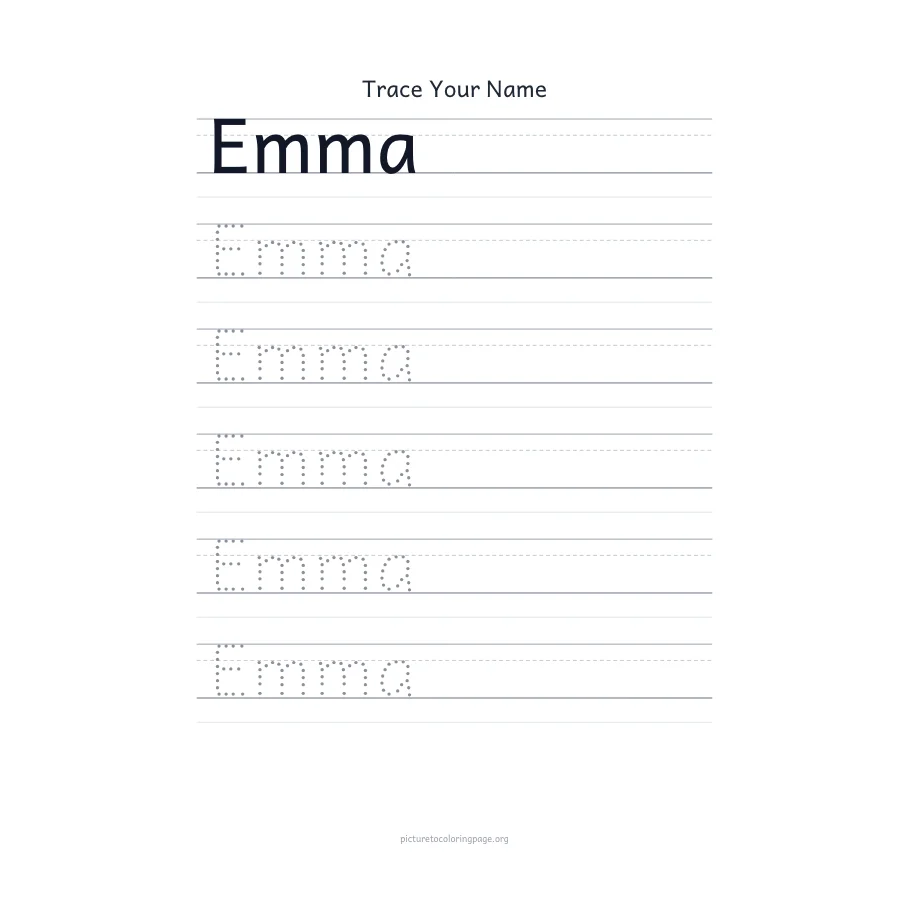
The sheet redraws as you change a setting, and you can page through it. Each name starts with a solid model row, then the rows to trace. Choose A4 or Letter, and turn one name per page on or off.
- 4
Download and print
Download PDF saves every page in one file. Open it and print from your PDF viewer. There is no Print button on the page itself.
Name Tracing Sheet, Name Coloring Page or Ready-Made Pack
Three ways to give a child their own name to work on, and what each one does.
| This page | Name coloring page | Ready-made name pack | |
|---|---|---|---|
| What the child does | Traces the letters with a pencil | Colors hollow letters and drawings | Whatever the pack contains |
| Any spelling | Yes, you type it | Yes, you type it | Usually common names only |
| Handwriting practice | Print, D'Nealian-style or cursive, with guide lines | No, the letters are decoration | Depends on the pack |
| Many names at once | Up to 60 in one PDF | Up to five lines on one page | One name per file |
| Help for the child | Dotted, dashed outline or gray letters | None | Usually dotted |
| Cost and sign-up | Free, no sign-up | Free, no sign-up | Often free, sometimes a shop or email |
| Best for | Learning to write the name | Decorating and gifts | A quick print of a stock name |
Name Tracing Letters: Dotted, Dashed or Gray
Dotted letters put a dot trail on the shape of each letter, so the child joins the dots. Dashed outline draws the edge of the letter and leaves the inside empty, which suits a child who has outgrown dots. Gray letters are a solid light shape to go over with one smooth stroke.
The first row of every name is always solid black, so there is something to copy. For name tracing, start with the Preschool line size, then step down to Kindergarten, 1st Grade and 2nd Grade as the letters get smaller. Turn guide lines on if letters float or change height. Capitalization starts with a capital first letter and can be switched to all capitals, all lowercase or as typed.
What the PDF Contains and Where It Stops
The worksheet is built in your browser and the names are never uploaded. The PDF pages are 200 dpi images, so the letters are sharp on paper but are not text you can edit or select. A test of 30 names in Cursive, one per page, made a 30-page file in about 6 seconds.
The tool sets Latin letters, with accents. In the D'Nealian-style and Cursive fonts an accented letter is drawn in the Print font. Another alphabet is drawn in a system font and is not meant for tracing. D'Nealian-style is a similar open-source slanted hand, not the trademarked typeface. Dot positions follow the letter skeleton, so dots may sit slightly closer or farther apart where strokes cross.